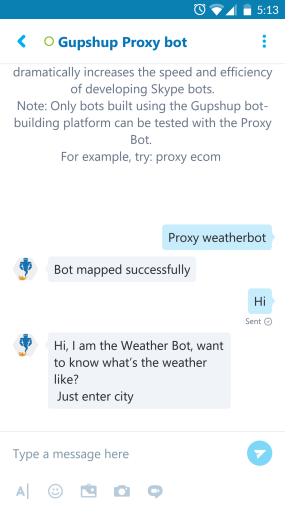
A Proxy Bot essentially is a bot that assumes the identity of any other bot and starts behaving like that particular bot. At gupshup we have created Proxy Bot on various messaging platforms. The Proxy Bot helps you test your Gupshup bot.
1. On Cisco Spark we have our Proxy Bot named Gupshup Proxy bot.
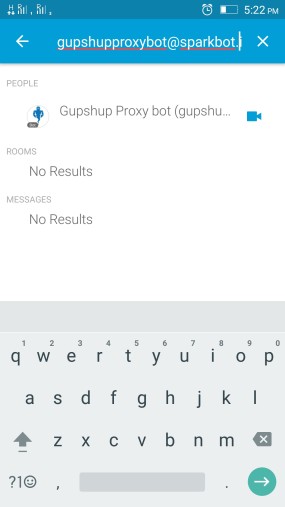
2. Search for Proxy bot(username - gupshupproxybot@sparkbot.io) under search bar and start chatting with the bot.
3. To test your bot send a message to the Proxy Bot with the text
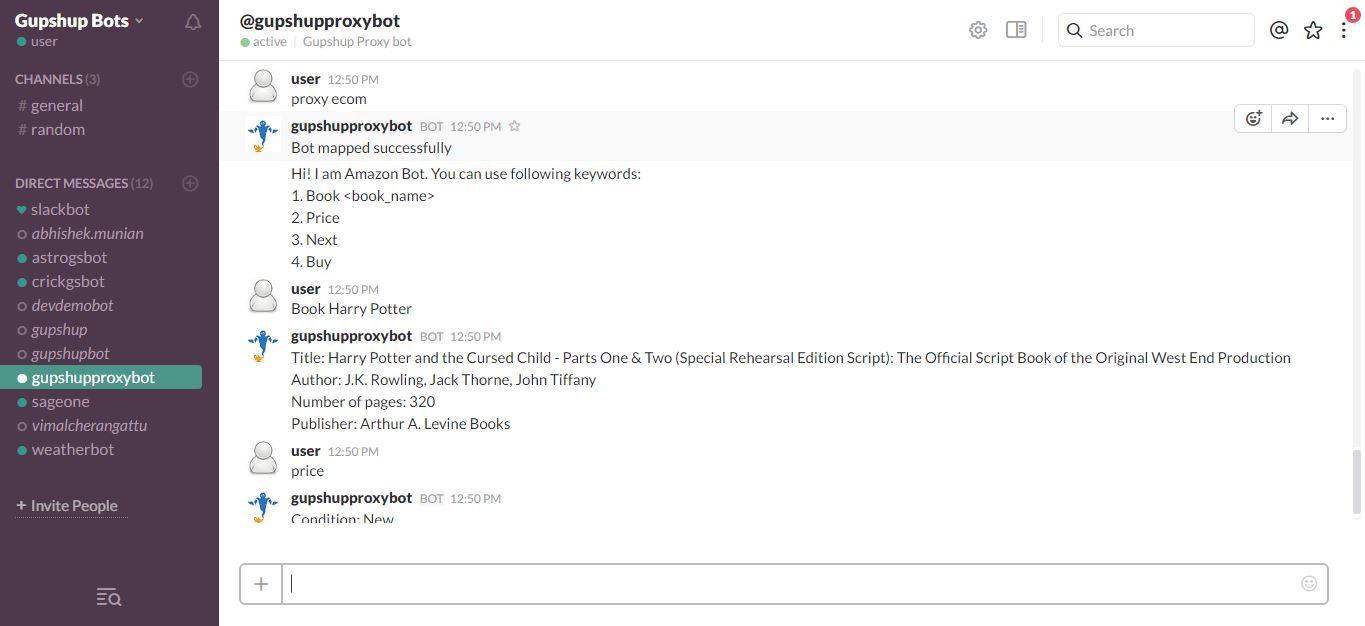
'Proxy <Your Bot Name>'
This will map your bot to the Proxy Bot. If you see a 'Bot mapped successfully' reply, then you're all set!

4. Start conversing with your bot using the keywords which you have defined in your bot code.
1. On FB we have our Proxy Bot named Gupshup Proxy bot.
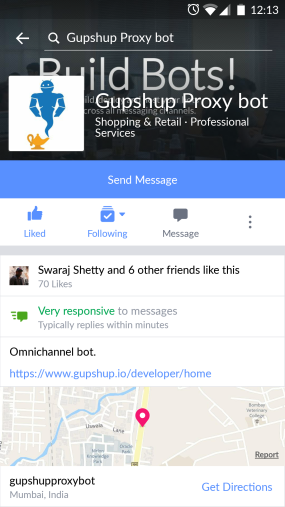
3. To test your bot send a direct message to the Proxy Bot with the text
'Proxy <Your Bot Name>'
This will map your bot to the Proxy Bot. If you see a 'Bot mapped successfully' reply, then you're all set!
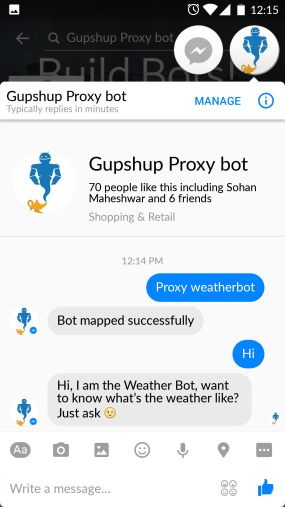
4. Start conversing with your bot using the keywords which you have defined in your bot code.
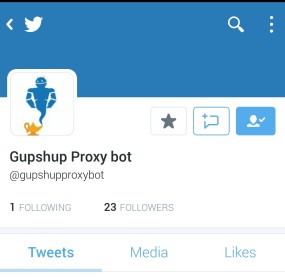
1. On Twitter we have a Proxy Bot @gupshupproxybot.
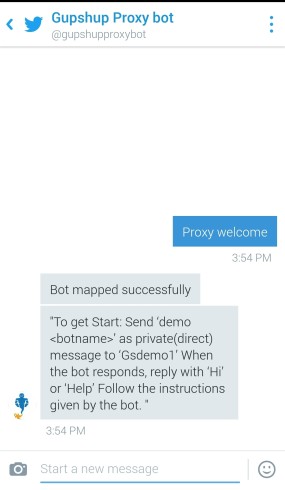
3. To test your bot send a direct message to the Proxy Bot with the text
'Proxy <Your Bot Name>'
This will map your bot to the Proxy Bot. If you see a 'Bot mapped successfully' reply, then you're all set!
4. Start conversing with your bot using the keywords which you have defined in your bot code.
1. We have a Proxy Bot for slack Gupshup Proxy Bot.
2. Add Proxy Bot into your Slack team as a member. You can use these links to get the Proxy Bot - gupshupproxybot or you can even walk-through setup page
3. When you navigate to the link of the Proxy Bot
A. You will need to select the team to which you want to add that bot.
B. Once selected, click 'Authorize'.
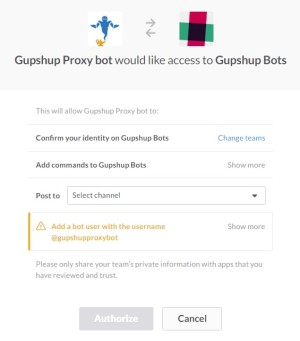
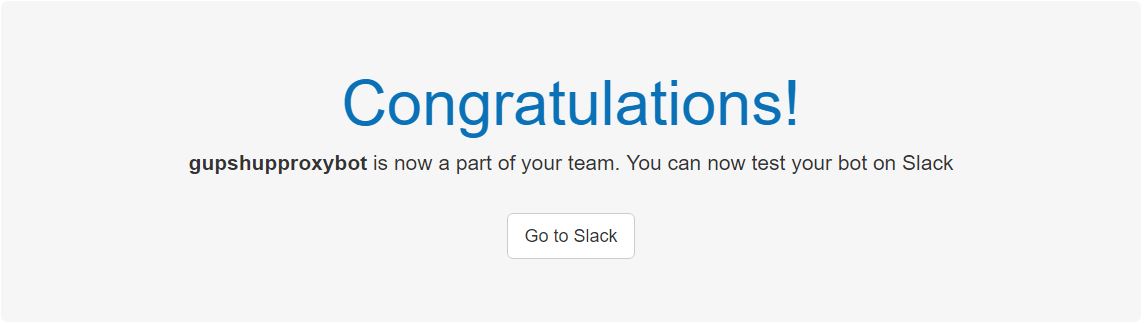
C. If you see a “Congratulations!” message, the Proxy Bot has been added to the team.
D. Open your team and you will find the Proxy Bot added.
4. To test your bot send a direct message to the Proxy Bot with the text
Proxy <Your bot name>
This will map your bot to the Proxy Bot. If you see a 'Bot mapped successfully' reply, then you're all set!
1. We have a Proxy Bot published on the Telegram Gupshup Proxy Bot
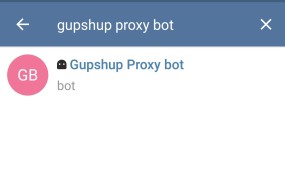
2. Search for this Proxy Bot on Telegram and start one on one conversation. You can also add them to a group.
3. To test your bot send a direct message to the Proxy Bot with the text
'Proxy <Your bot name>'
This will map your bot to the Proxy Bot. If you see a 'Bot mapped successfully' reply, then you're all set!
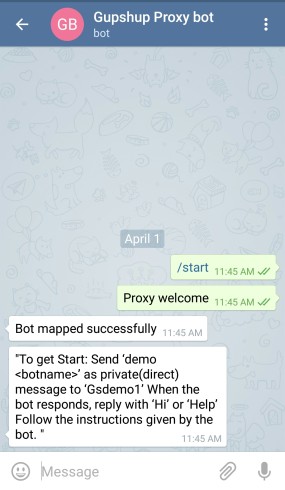
when you start conversation with the bot for the first time, a /start command is sent to starts the Proxy Bot which triggers a "Bot mapped successfully".
1. We have a Proxy Bot published on the Skype Gupshup Proxy Bot
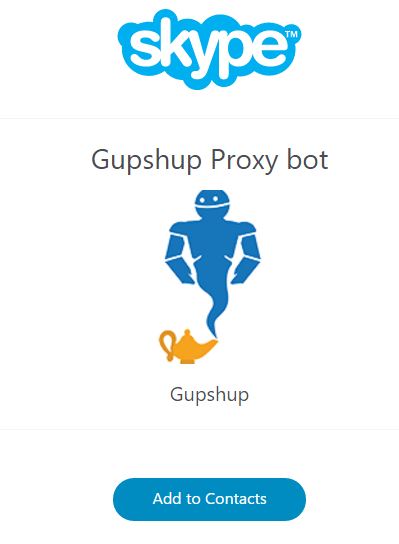
2. Click on this link gupshupproxybot and follow the steps to add the Proxy Bot to your contacts.
3. Once added to your contact list you can test test your bot by sending a direct message to the Proxy Bot with the text
'Proxy <Your bot name>'
This will map your bot to the Proxy Bot. If you see a 'Bot mapped successfully' reply, then you're all set!